






1. Repository
1.1.Repo Link
Repo Link
1.2.How to use this Repository?
How to use this Repository?
-
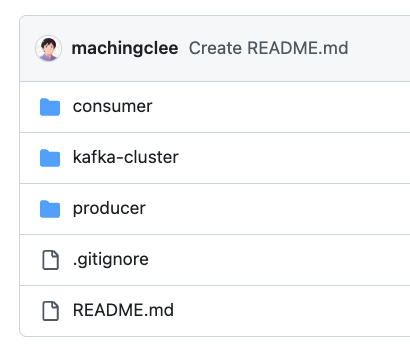
cdintokafka-cluster/and rundocker-compose up, a kafka-cluster of 3 instances will be launched, withlocalhost:9092as the entrypoint. -
Both
consumer/andproducer/are spring applications -
Launch the spring application in
consumer/ -
Launch the spring application in
producer/, this will launch a backend server at port:8081 -
Go to
localhost:8081, a swagger document has been launched to create message: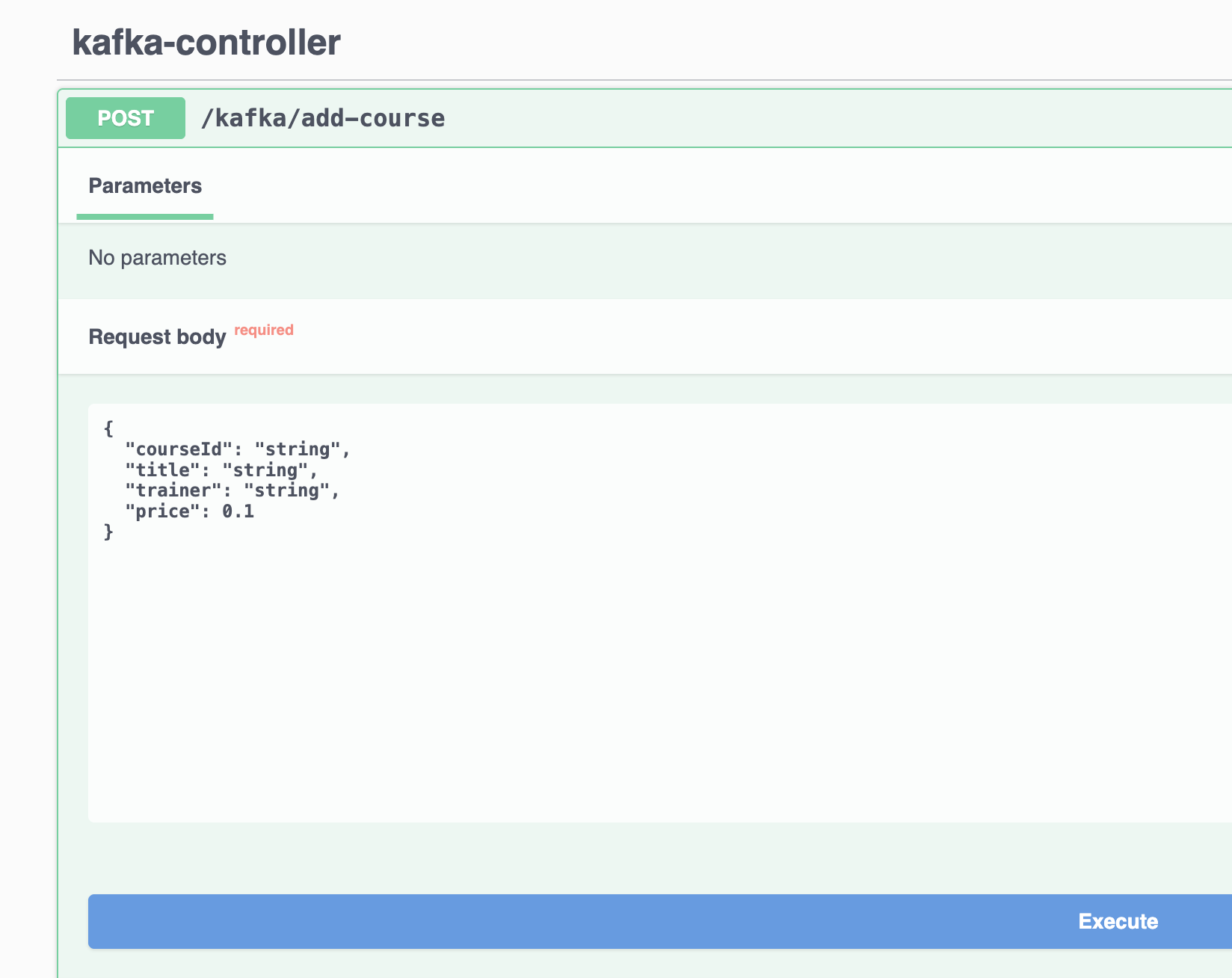
-
Send the
POSTrequest to create a message inproducer/, and receive the message fromconsumer/application
2. Create Topics in Spring Boot via Spring Configuration
3. Producer
3.1.KafkaController
KafkaController
We have made a simple controller to create a message into the Kafka topic via swagger document:
3.2.KafkaProducerService
KafkaProducerService
In line 10 we have used the following method overloading:
4. Consumer
4.1.The Course Record
The Course Record
4.2.KafkaConsumerService
KafkaConsumerService
4.3.Setg GroupID in application.yml
Setg GroupID in application.yml
Ideally each instance of spring application should have only one group id.
Instead of hardcoding the group ID in @KafkaListener, it can be externalised to application.yml and referenced via a property placeholder:
Spring uses spring.kafka.consumer.group-id as the default when no explicit groupId is set on @KafkaListener.
4.4.Concurrency
Concurrency
4.4.1.Parallel Consumption Within One Instance
Parallel Consumption Within One Instance
By default a @KafkaListener spawns one consumer thread, processing messages from its assigned partition sequentially. Setting concurrency spawns multiple consumer threads inside the same JVM — each thread acts as an independent consumer within the group and is assigned its own partition:
From Kafka's perspective these are 3 separate consumers — it doesn't know or care they share a JVM. The partition assignment works exactly the same as running 3 separate application instances.
The partition cap still applies: concurrency threads beyond the partition count sit idle. Setting concurrency=3 for a 1-partition topic gives us 1 active thread and 2 idle ones.
There is no shared thread pool to configure — Spring Kafka creates exactly concurrency dedicated threads per listener container and keeps them alive for the lifetime of the application. If we have 2 @KafkaListener methods each with concurrency=3, we get 6 total consumer threads.
4.4.2.What if multiple machines also use concurrency="3"?
What if multiple machines also use concurrency="3"?
The same partition cap applies across the entire group. With 3 machines × concurrency=3 = 9 consumer threads total, all competing for 3 partitions:
We get zero extra throughput over a single machine with concurrency=3. To actually utilise all 9 threads we need 9 partitions:
This is why partition count must be planned ahead — it is the hard ceiling on total parallelism across the entire consumer group, regardless of how many machines or threads we add.
4.5.Virtual Threads (Spring Boot 3.2+ / Java 21+)
Virtual Threads (Spring Boot 3.2+ / Java 21+)
Enabling virtual threads is a one-line change in application.yml:
Spring Boot automatically wires a VirtualThreadTaskExecutor into the Kafka listener container factory. Each consumer thread becomes a virtual thread — extremely lightweight compared to OS threads, so the cost of having many of them is negligible.
The two settings are orthogonal:
| Setting | What it controls |
|---|---|
concurrency | How many consumer threads exist (still capped by partition count) |
spring.threads.virtual.enabled | What kind of thread they are (OS thread vs. virtual thread) |
Virtual threads matter most when the listener does blocking I/O (DB calls, HTTP calls). For fast, CPU-bound processing the difference is minimal.
4.6.Result on Message Received
Result on Message Received
