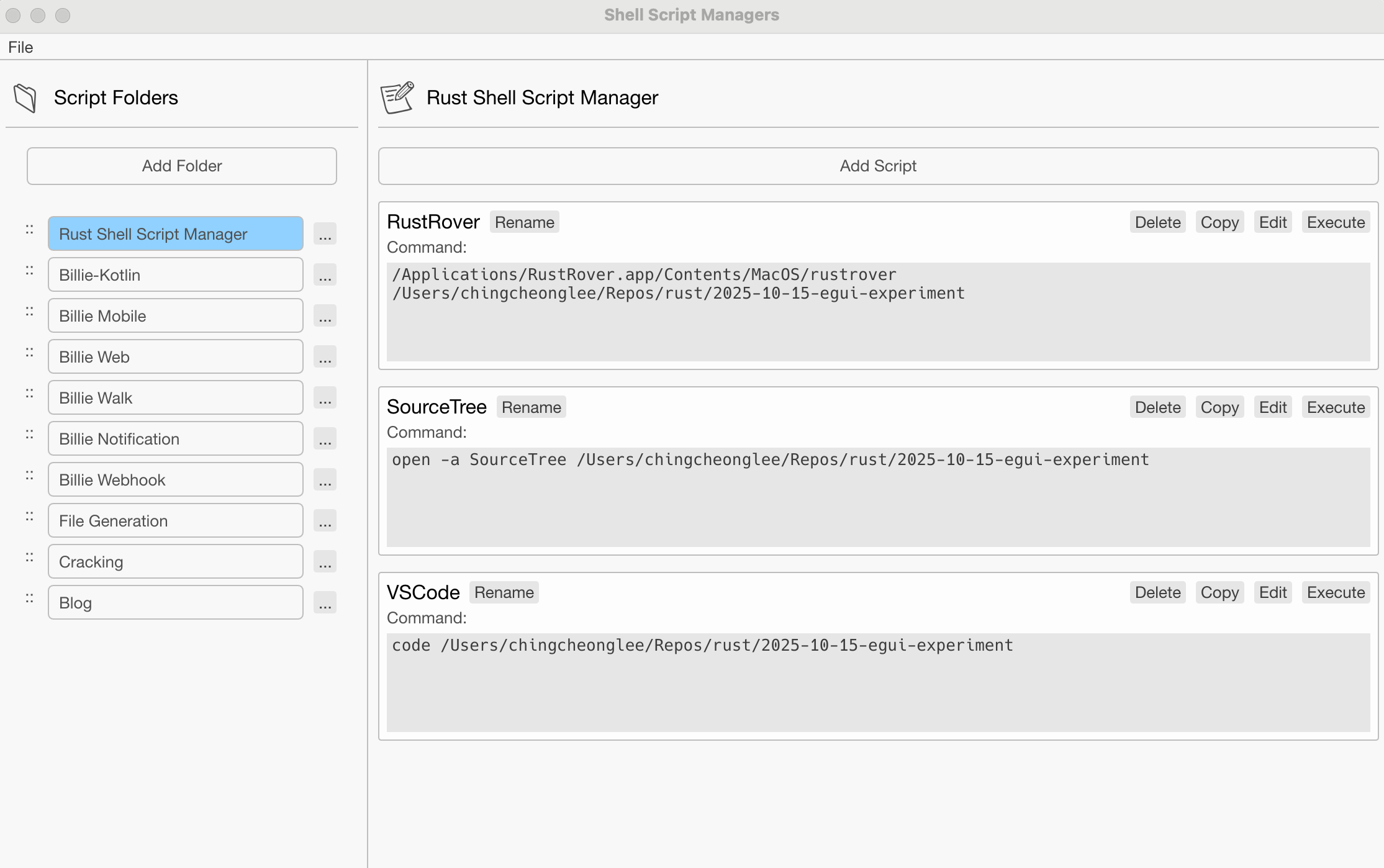
1. The Release Build and its Problem
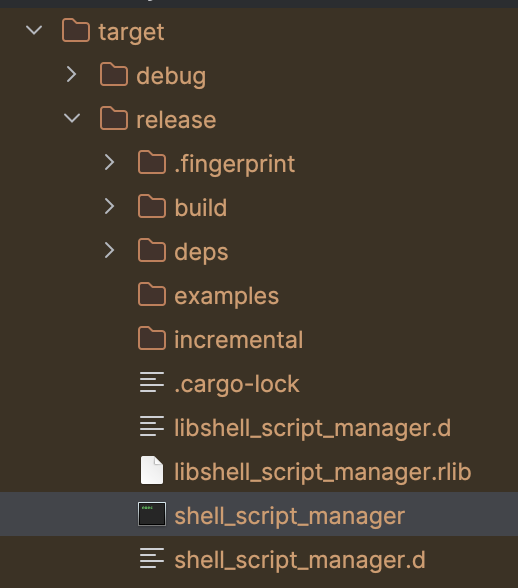
In an egui application we can build it via
The result will be an executable that will be first executed in shell script and then display our GUI.
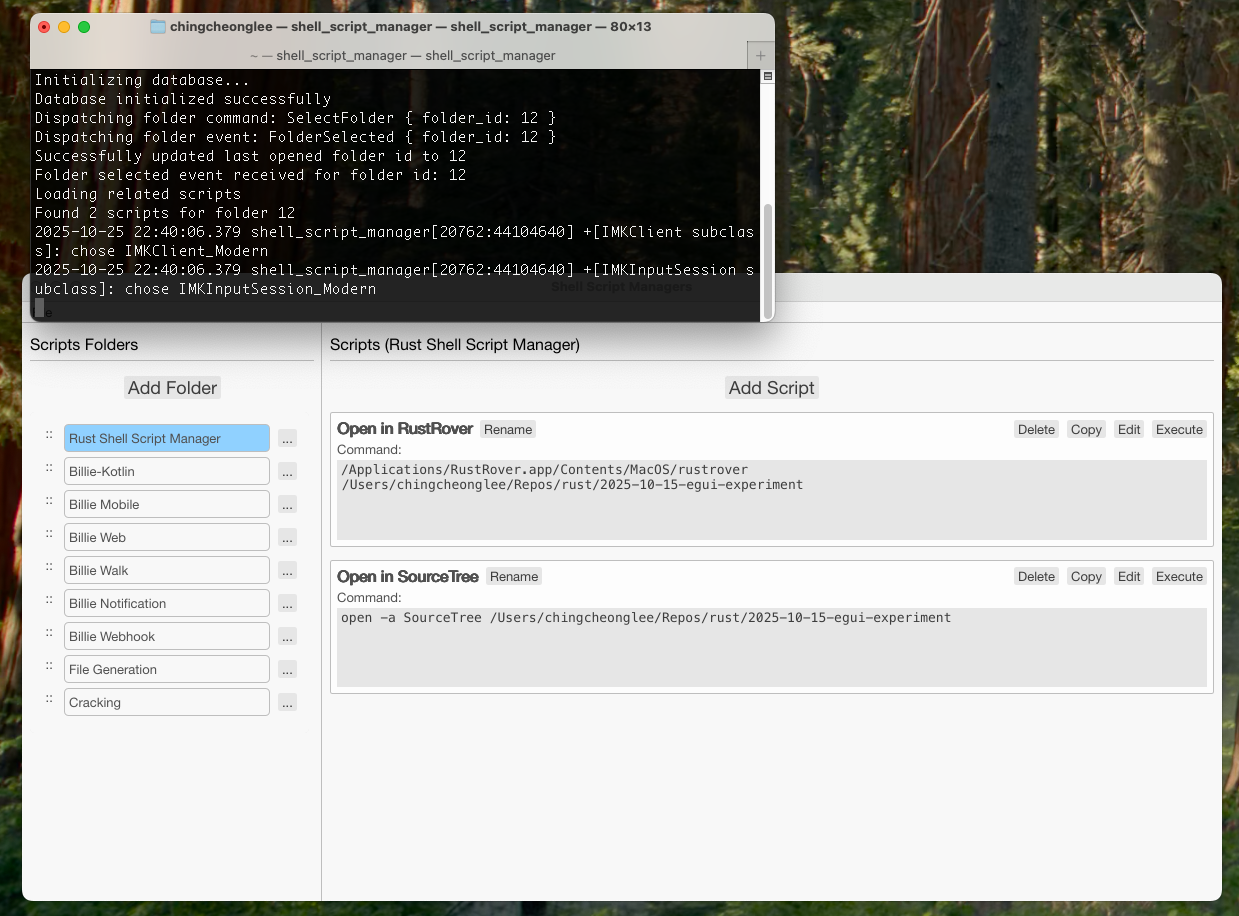
But of course we don't want our logging be exposed to the users. And any standard GUI application wouldn't pop up a terminal right?
To remove this terminal, we need to bundle our application into a native macOS application (known as .app-bundle).
Create a bundle_macos.sh and write (change the highlighted for your own application):
1#!/bin/bash
2# Script to bundle the Rust app into a macOS .app bundle
3
4set -e
5
6APP_NAME="Shell Script Manager"
7BUNDLE_NAME="Shell Script Manager.app"
8EXECUTABLE_NAME="shell_script_manager"
9BUNDLE_ID="com.shellscriptmanager.app"
10VERSION="0.1.0"
11
12echo "Building release binary..."
13cargo build --release
14
15echo "Creating app bundle structure..."
16rm -rf "$BUNDLE_NAME"
17mkdir -p "$BUNDLE_NAME/Contents/MacOS"
18mkdir -p "$BUNDLE_NAME/Contents/Resources"
19
20echo "Copying executable..."
21cp "target/release/$EXECUTABLE_NAME" "$BUNDLE_NAME/Contents/MacOS/$EXECUTABLE_NAME"
22
23echo "Copying icon..."
24cp "assets/icon-256.png" "$BUNDLE_NAME/Contents/Resources/icon.png"
25
26# Convert PNG to ICNS (macOS icon format) if sips is available
27if command -v sips &> /dev/null && command -v iconutil &> /dev/null; then
28 echo "Converting icon to ICNS format..."
29 mkdir -p icon.iconset
30 sips -z 16 16 assets/icon-256.png --out icon.iconset/icon_16x16.png
31 sips -z 32 32 assets/icon-256.png --out icon.iconset/icon_16x16@2x.png
32 sips -z 32 32 assets/icon-256.png --out icon.iconset/icon_32x32.png
33 sips -z 64 64 assets/icon-256.png --out icon.iconset/icon_32x32@2x.png
34 sips -z 128 128 assets/icon-256.png --out icon.iconset/icon_128x128.png
35 sips -z 256 256 assets/icon-256.png --out icon.iconset/icon_128x128@2x.png
36 sips -z 256 256 assets/icon-256.png --out icon.iconset/icon_256x256.png
37 sips -z 512 512 assets/icon-1024.png --out icon.iconset/icon_256x256@2x.png
38 sips -z 512 512 assets/icon-1024.png --out icon.iconset/icon_512x512.png
39 sips -z 1024 1024 assets/icon-1024.png --out icon.iconset/icon_512x512@2x.png
40 iconutil -c icns icon.iconset -o "$BUNDLE_NAME/Contents/Resources/icon.icns"
41 rm -rf icon.iconset
42fi
43
44echo "Creating Info.plist..."
45cat > "$BUNDLE_NAME/Contents/Info.plist" << EOF
46<?xml version="1.0" encoding="UTF-8"?>
47<!DOCTYPE plist PUBLIC "-//Apple//DTD PLIST 1.0//EN" "http://www.apple.com/DTDs/PropertyList-1.0.dtd">
48<plist version="1.0">
49<dict>
50 <key>CFBundleDevelopmentRegion</key>
51 <string>en</string>
52 <key>CFBundleExecutable</key>
53 <string>$EXECUTABLE_NAME</string>
54 <key>CFBundleIconFile</key>
55 <string>icon.icns</string>
56 <key>CFBundleIdentifier</key>
57 <string>$BUNDLE_ID</string>
58 <key>CFBundleInfoDictionaryVersion</key>
59 <string>6.0</string>
60 <key>CFBundleName</key>
61 <string>$APP_NAME</string>
62 <key>CFBundlePackageType</key>
63 <string>APPL</string>
64 <key>CFBundleShortVersionString</key>
65 <string>$VERSION</string>
66 <key>CFBundleVersion</key>
67 <string>$VERSION</string>
68 <key>LSMinimumSystemVersion</key>
69 <string>10.13</string>
70 <key>NSHighResolutionCapable</key>
71 <true/>
72 <key>NSPrincipalClass</key>
73 <string>NSApplication</string>
74</dict>
75</plist>
76EOF
77
78echo "Setting executable permissions..."
79chmod +x "$BUNDLE_NAME/Contents/MacOS/$EXECUTABLE_NAME"
80
81echo "Removing quarantine attributes..."
82# Remove quarantine before signing
83xattr -cr "$BUNDLE_NAME" 2>/dev/null || true
84xattr -d com.apple.quarantine "$BUNDLE_NAME" 2>/dev/null || true
85
86echo "Code signing the app bundle..."
87# Ad-hoc signing (no developer certificate needed)
88codesign --force --deep --sign - "$BUNDLE_NAME" 2>/dev/null
89
90if [ $? -eq 0 ]; then
91 echo "✅ Code signing successful"
92
93 # Remove quarantine again after signing
94 xattr -cr "$BUNDLE_NAME" 2>/dev/null || true
95 xattr -d com.apple.quarantine "$BUNDLE_NAME" 2>/dev/null || true
96
97 # Also remove from the executable directly
98 xattr -cr "$BUNDLE_NAME/Contents/MacOS/$EXECUTABLE_NAME" 2>/dev/null || true
99else
100 echo "⚠️ Code signing failed, but app may still work"
101fi
102
103echo ""
104echo "✅ App bundle created successfully: $BUNDLE_NAME"
105echo ""
106echo "To run the app:"
107echo " • Double-click '$BUNDLE_NAME' to launch"
108echo " • Or run: open '$BUNDLE_NAME'"
109echo ""
110echo "If you get a 'malware' warning from macOS Gatekeeper:"
111echo " 1. Right-click (or Control+click) on '$BUNDLE_NAME'"
112echo " 2. Select 'Open' from the menu"
113echo " 3. Click 'Open' in the dialog that appears"
114echo " 4. The app will open and macOS will remember your choice"
115echo ""
116echo "Alternative: Disable Gatekeeper check for this app:"
117echo " sudo xattr -rd com.apple.quarantine '$BUNDLE_NAME'"
118echo ""
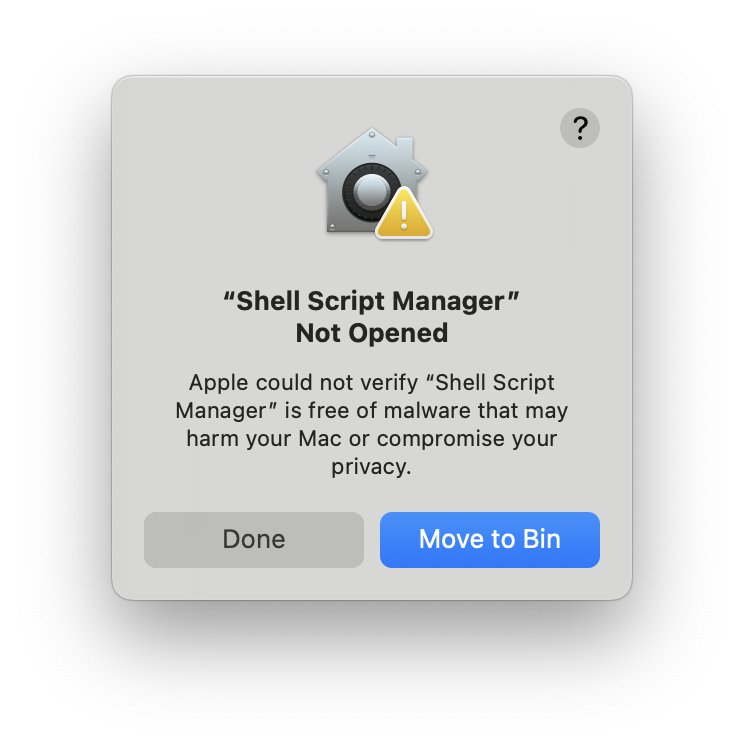
3. The Warning: Apple could not verify "your-application" is free of malware ...
Since we have not signed the application with an Apple Developer account, we are not able to share this application without the apple default warning.
For this, any user that download our app-bundle will need to execute:
1xattr -rd com.apple.quarantine "Shell Script Manager.app"
in order to remove the warning (worse still, we cannot even run the application without doing so).